


Get Paid Online with Autobooks
Accept digital payments, manage cash flows, and more
BUSINESS BENEFITS
Recurring Invoices & Payments
You can create single or recurring invoices easily, right inside Autobooks. Your customers can choose recurring payments automatically with the click of a button.
Stay on track
Easily keep track of all invoices and all payments processed with Autobooks. Reports are easy to view and export as needed.
Easy-to-Share Link
Share your payment link or QR code with your customers anywhere you interact with them — social media, your website, even on printed materials.
Collect payments on the go
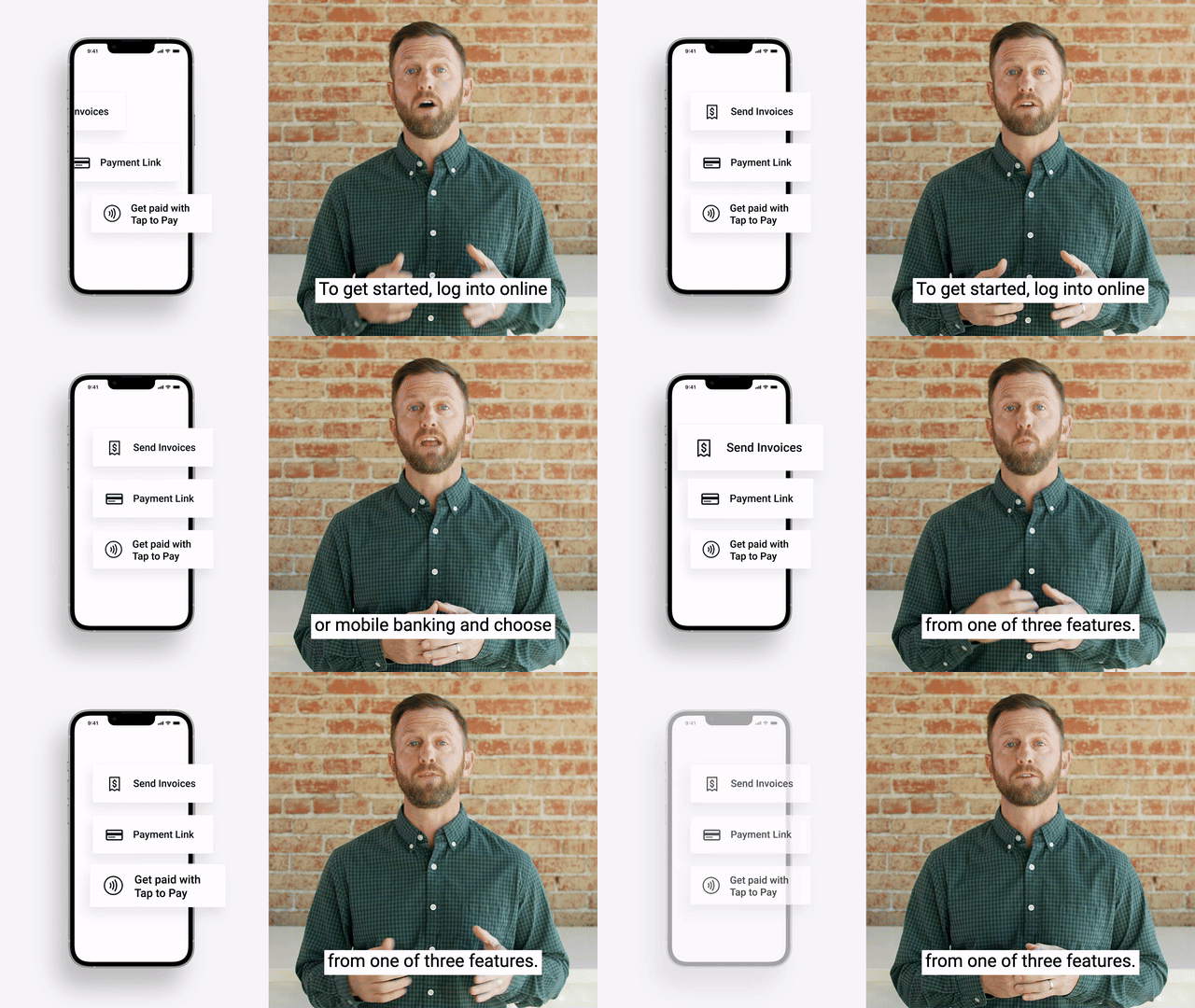
You can collect payments from your customers in-app, online, or over the phone.
Multiple Payment Options
Customers can make payments with their credit cards, debit cards, or even using their bank account.
Mobile-Friendly
Autobooks is available right inside online and mobile banking — which means you can access payment tools whenever you log in.
Trusted & Secure
Your customer's data is protected through a secure payment process — giving both you and your customers peace of mind.
Get paid faster
95% of invoices are paid within five business days — which means you get access to working capital more quickly.
Pricing Made Easy!
- No contracts.
- No hidden fees.
- No required use agreements.
- You pay only one simple processing fee per transaction.
Autobooks Video Library
Simple Payments

Fees & Benefits
Accept Payments
Send Invoices
Get Paid Online
Nonprofits
Get Started
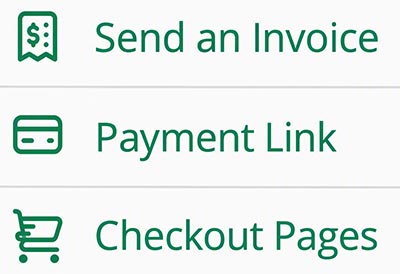
- Login to your business' online banking account.
- Click any of these three links in the upper right corner of your online banking account to begin the Autobooks registration.
- Once completed, Autobooks will review your application and create your account.
Have a Question?
For additional information, visit the Autobooks Support Center or Submit a Product Inquiry Support Request.
You are leaving Plumas Bank.
The website you are about to visit is not operated by Plumas Bank. Plumas Bank is not responsible for the availability or content of this website. The privacy and security policies of the site may differ from those practiced by Plumas Bank.
Selecting "Continue" will open a new browser window.